Introduction
Many dentists do not search for digital dental workflow because they want a technology lecture. They search because something practical went wrong: a crown needed too much adjustment, a contact was too tight, an implant crown did not seat as expected, or a remake took time away from the clinic. The real question is simple: can a better digital workflow make restorations more accurate and more predictable?
The answer is yes, when the workflow is controlled. A digital dental workflow can improve restoration accuracy by making each step easier to check: scan quality, margins, bite relationship, CAD design, material thickness, manufacturing settings, finishing, and final QC. It cannot fix a poor preparation, incomplete scan, wrong bite, or missing implant information by itself. That distinction matters because Google, AI search systems, and clinical readers all prefer content that is useful and realistic.
This article explains where digital dentistry improves accuracy, where mistakes still happen, and how a dental laboratory can use digital case review to reduce avoidable remakes. It is written for clinics comparing digital workflows, overseas dental laboratories, and buyers evaluating a reliable China dental lab with real digital dental manufacturing capability.
Quick Answer
A digital dental workflow improves restoration accuracy by turning clinical records into data that can be reviewed before production. Intraoral scans, STL or PLY files, bite scans, clinical photos, shade records, and prescriptions allow the lab to check margins, clearance, occlusion, contacts, restoration design, implant data, and material thickness before milling, printing, sintering, finishing, and final QC.
What Is a Digital Dental Workflow?
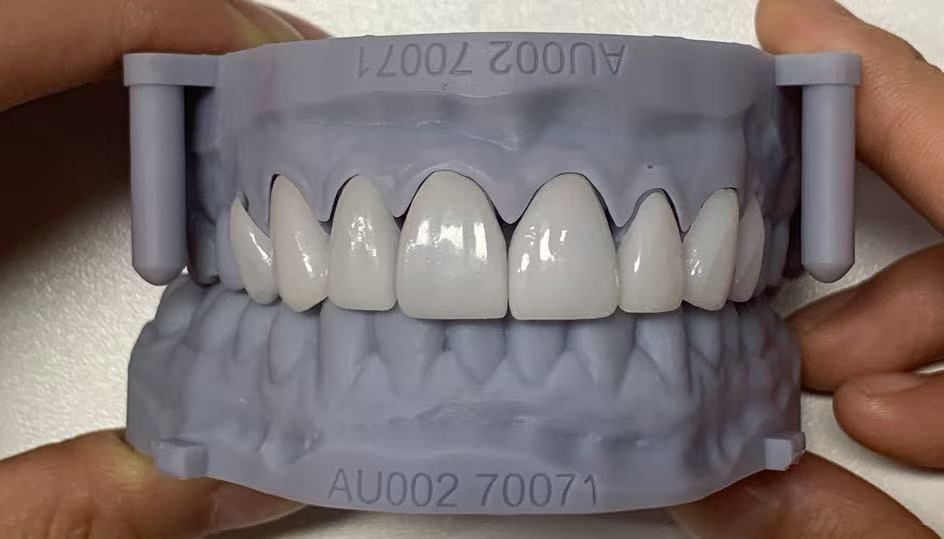
A digital dental workflow is the process of capturing, sending, reviewing, designing, manufacturing, and checking dental restorations using digital tools. In everyday lab work, this may include intraoral scanning, lab scanning, STL files, bite scan alignment, CAD design, CAM milling, 3D printing, digital model production, and quality control.
FDI World Dental Federation describes digital dentistry as the use of digital technologies across dental care, including scanners, CAD/CAM systems, restoration design, manufacturing, communication, and data management. For a dental lab, the most important part is not the scanner alone. It is the connection between scan, prescription, design, production, and QC.
|
Workflow Stage |
Accuracy Question the Lab Should Ask |
|
Scan intake |
Are margins, opposing arch, bite, and preparation areas complete? |
|
Prescription review |
Does the material, tooth number, shade, and restoration type match the files? |
|
CAD design |
Are contacts, occlusion, contours, cement space, and thickness controlled? |
|
Manufacturing |
Is the restoration produced with the correct material and machine protocol? |
|
Final QC |
Do fit, margins, contacts, occlusion, shade, finish, and packaging match the case? |
Why Dentists Choose Digital Workflow for Accuracy
Dentists choose digital workflow because it gives both the clinic and the lab more chances to detect problems early. In a traditional workflow, impression distortion, model issues, or missing notes may not be noticed until later. In a digital workflow, the lab can review files on screen, mark problems, request a rescan, or clarify the prescription before production begins.
A systematic review on intraoral scanner accuracy found that intraoral scanning can be reliable for diagnostic purposes and short-span scanning, while full-arch scanning is more vulnerable to deviation. That is a useful clinical lesson: digital does not remove the need for judgment. It gives the team a better way to judge the case earlier.
For Times Dental Lab, digital workflow is useful because it supports case review before production. The lab can evaluate margins, scan gaps, bite alignment, opposing arch, implant information, shade photos, material choice, and restoration design requirements before the case enters manufacturing.
Key Factors to Consider
Scan Quality Comes First
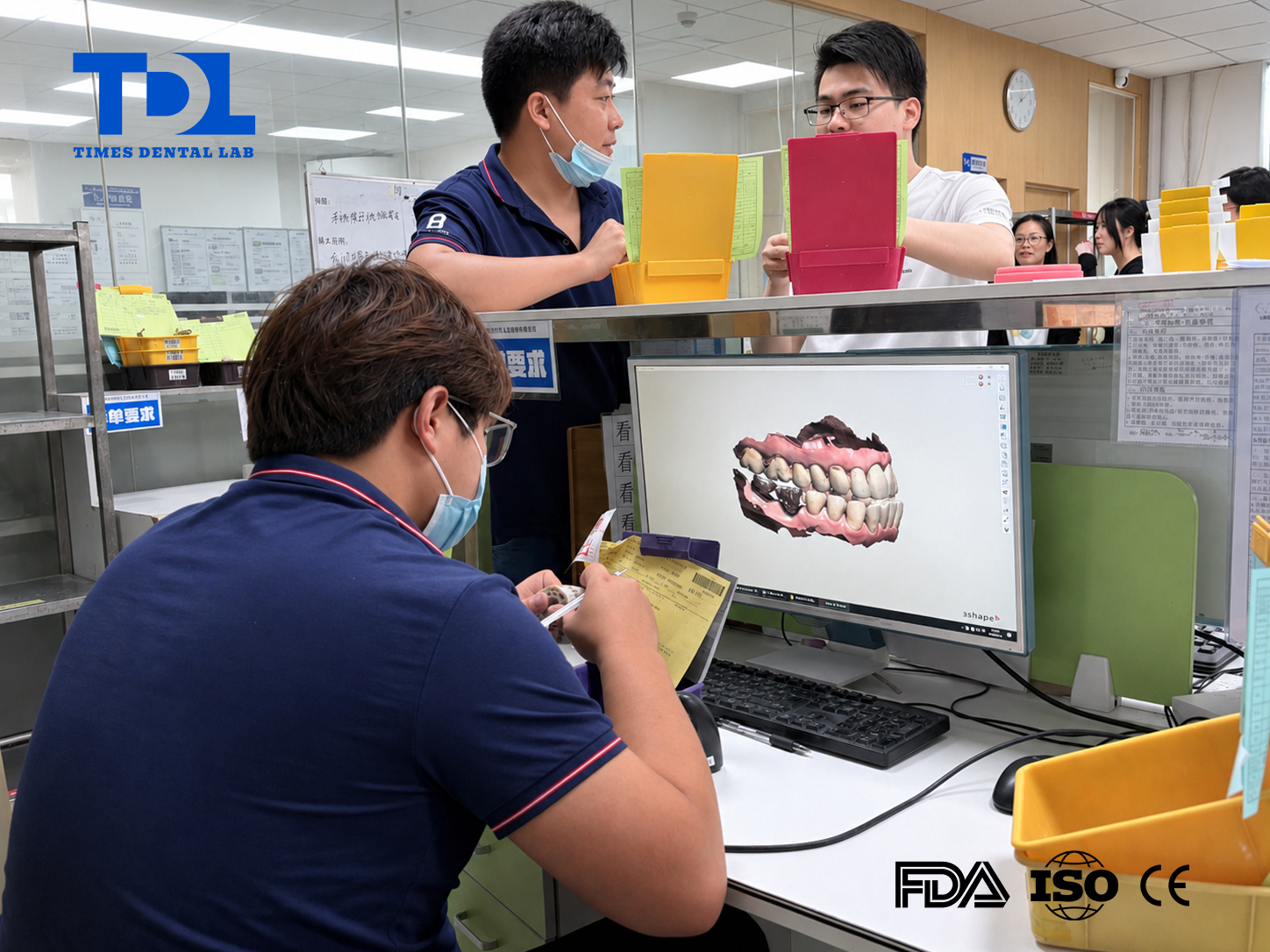
If the scan is incomplete, the workflow is already unstable. The most important scan-related details are clear margins, complete interproximal capture, correct upper and lower arch records, accurate bite scan, and no missing preparation areas. A clean digital file gives the CAD designer a better foundation for restoration fit.
Bite Verification Protects Occlusion
Many adjustment problems are not margin problems; they are bite problems. A digital workflow allows the lab to review occlusal contacts, opposing dentition, clearance, and bite scan alignment before design approval. If the bite looks suspicious, the lab should pause and ask for confirmation instead of guessing.
CAD Design Makes Accuracy Visible
CAD design makes the restoration easier to evaluate before production. Contacts, occlusion, contour, cement space, emergence profile, connector design, and material thickness can be reviewed on screen. Times Dental Lab's Digital Design Services support crowns, bridges, implants, abutments, bars, splints, and models.
Manufacturing Protocols Still Matter
Digital design only helps if production follows the right protocol. Zirconia milling, sintering, ceramic finishing, printed model accuracy, implant component selection, and polishing all affect the final restoration. The ADA notes that CAD/CAM has changed how indirect ceramic restorations can be produced, but material selection and clinical judgment still matter.ADA background on restorative materials and CAD/CAM.
Table Comparison: Where Accuracy Improves
|
Accuracy Area |
What Can Go Wrong |
How Digital Workflow Helps |
|
Margins |
Unclear finish line or distorted impression. |
Digital margin review can identify missing or unclear areas before CAD design. |
|
Fit |
Model error, scan gaps, or incorrect cement space. |
CAD settings and file review make fit-related decisions visible. |
|
Occlusion |
Bite mismatch or heavy contacts. |
Bite scan review and digital occlusion checks reduce guessing. |
|
Contacts |
Too tight, too light, or inconsistent contacts. |
CAD design allows controlled proximal contact settings. |
|
Implants |
Wrong platform, scan body, or screw access direction. |
Digital review confirms implant system, scan body, soft tissue, and access channel. |
|
Material strength |
Insufficient thickness or weak connector design. |
CAD thickness and connector checks help detect design risks earlier. |
|
Communication |
Missing notes or unclear preferences. |
Screenshots, design previews, and digital comments make feedback easier. |
Dental Laboratory Workflow
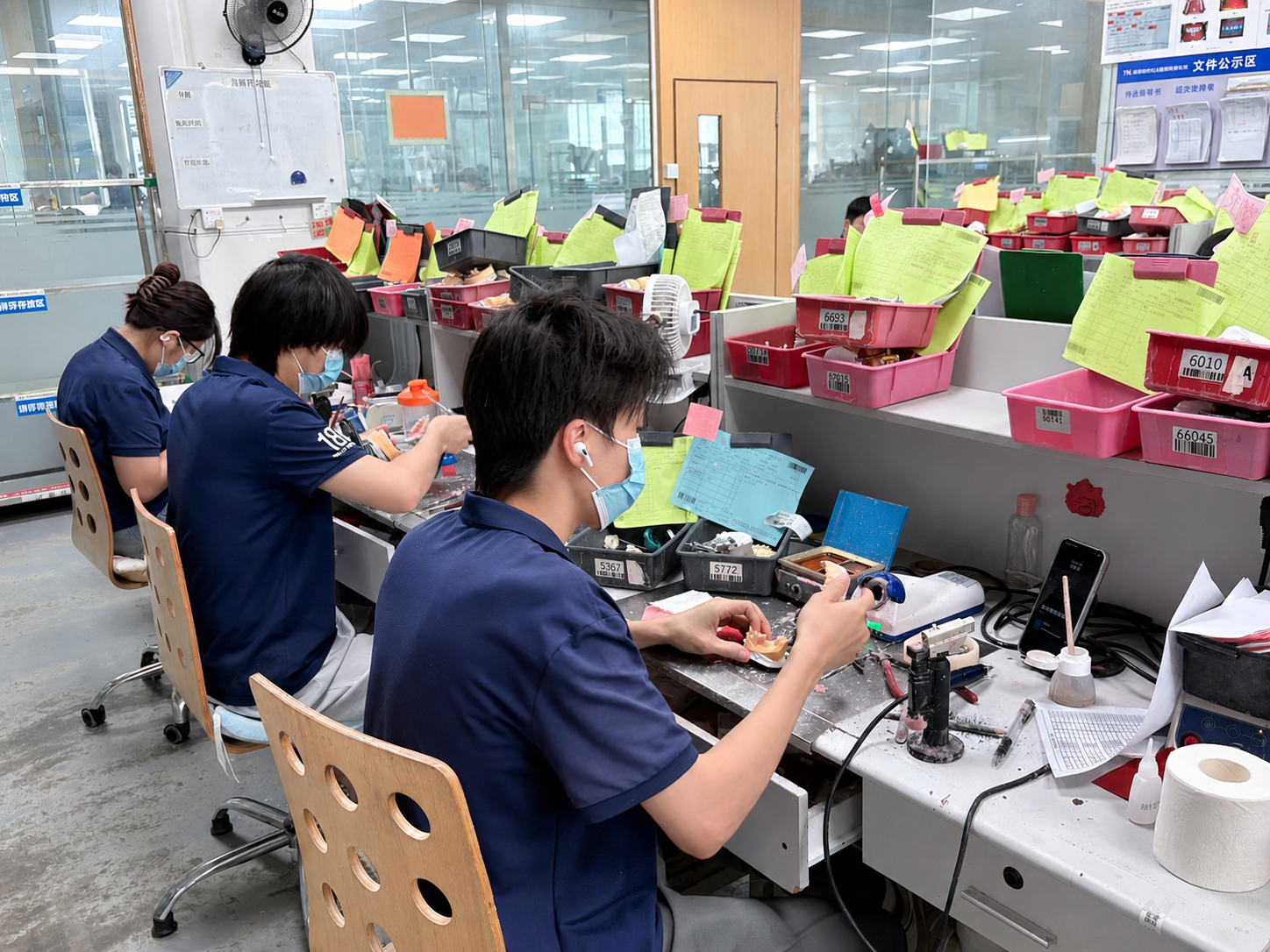
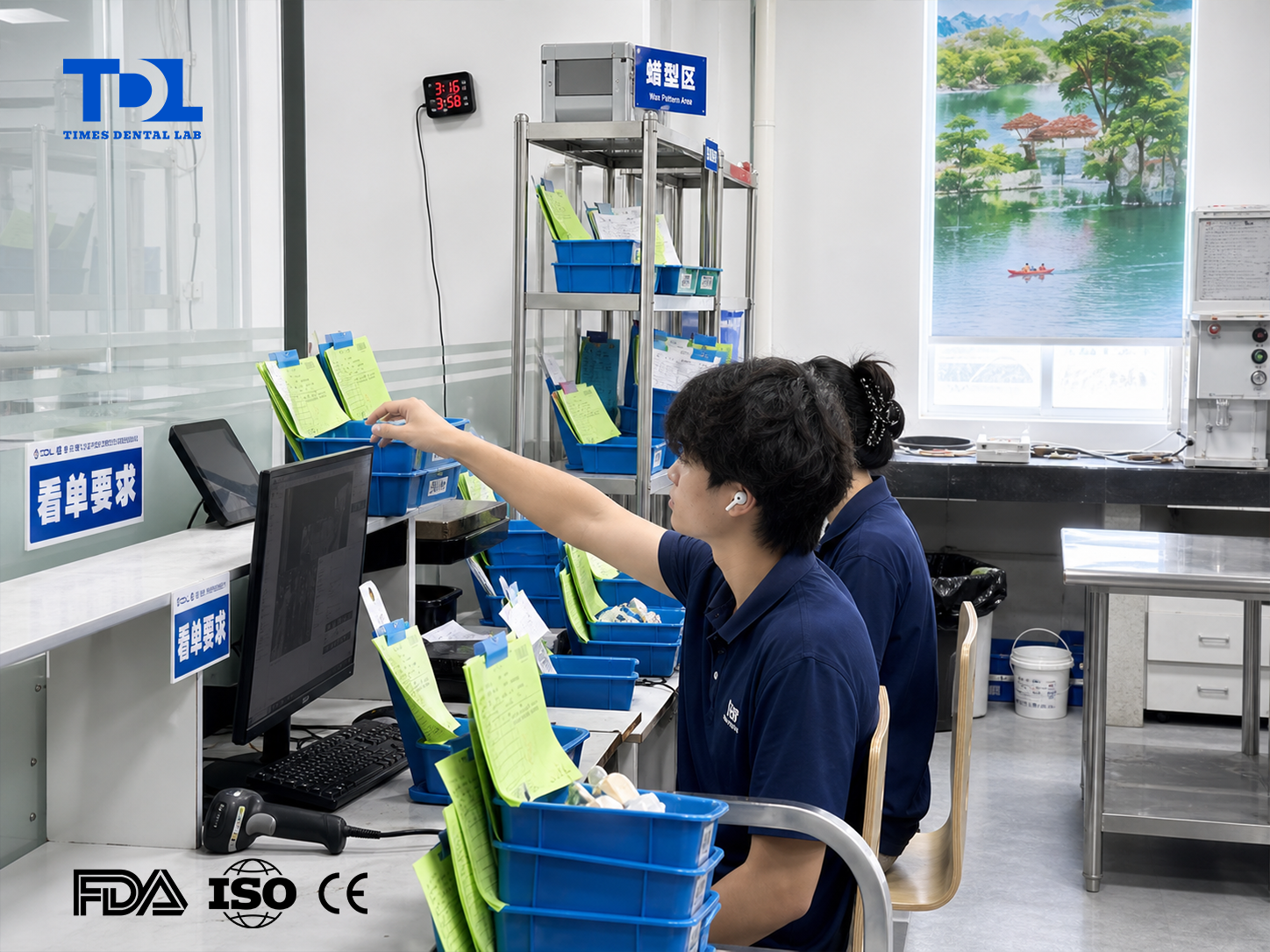
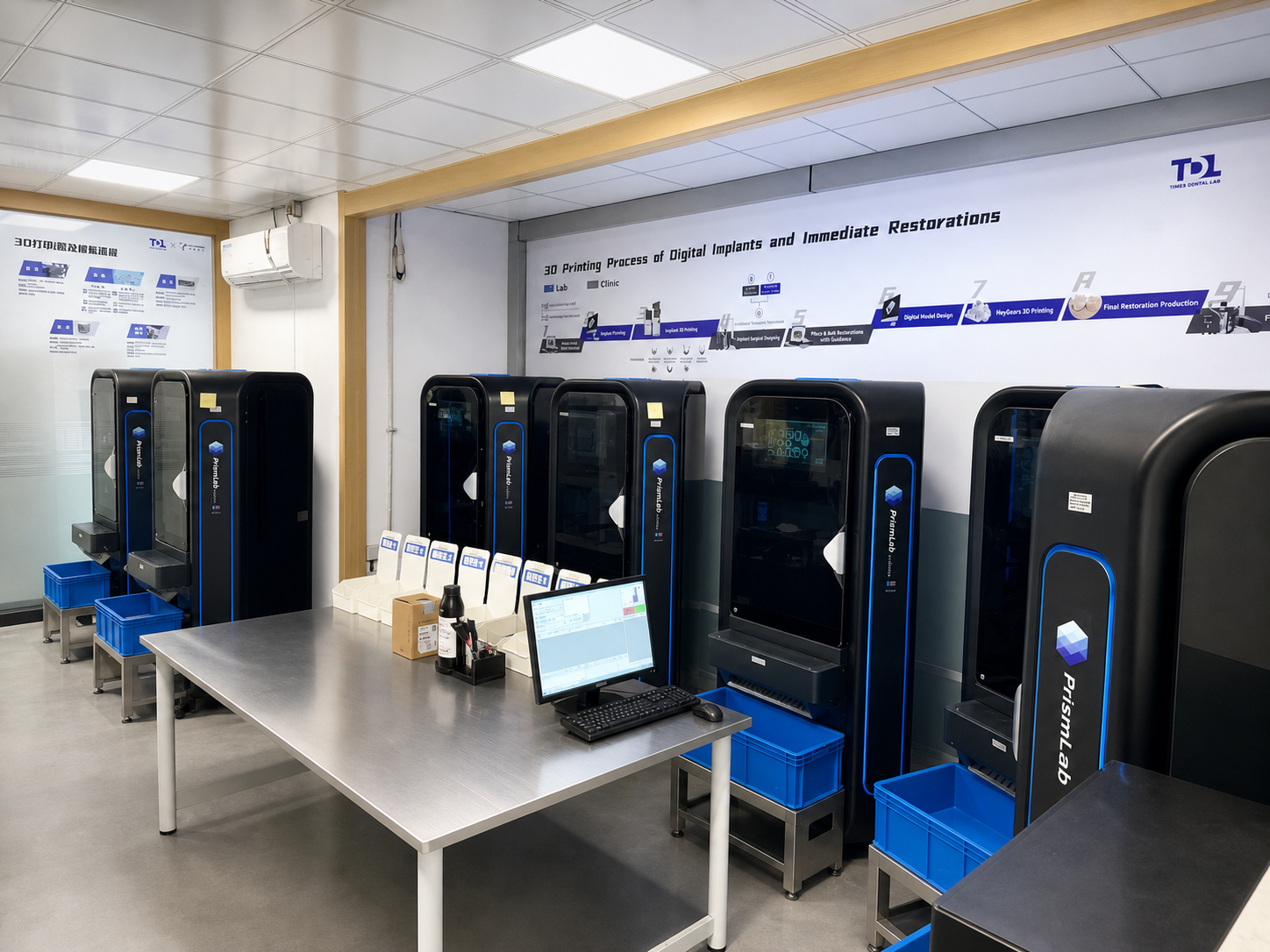
A strong digital workflow inside a dental laboratory should feel like a series of checkpoints. Each checkpoint asks a practical question before the case moves forward. This is where a full-service dental lab can create value beyond simply receiving files.
· Case intake: confirm prescription, tooth number, restoration type, material, shade, deadline, and special instructions.
· File review: check STL or PLY files, margins, scan quality, bite record, opposing arch, and missing areas.
· Clinical risk review: identify limited clearance, questionable bite, implant data gaps, or esthetic information gaps.
· CAD design: control contacts, occlusion, anatomy, cement space, connector size, thickness, and emergence profile.
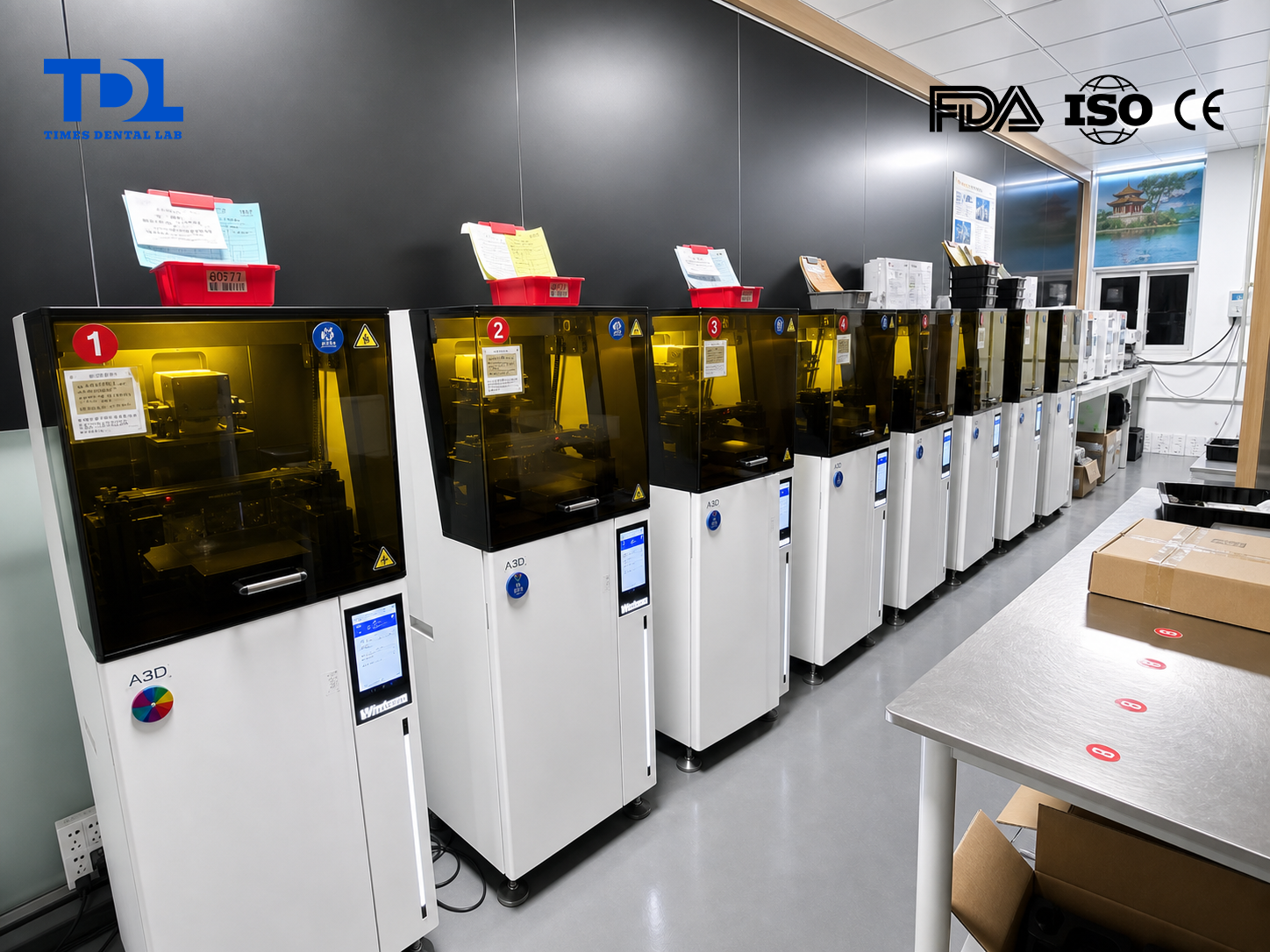
· Manufacturing: mill, print, sinter, crystallize, finish, or polish according to the material and restoration type.
· Final QC: verify fit, margins, contacts, occlusion, shade, finish, labeling, and packaging before shipment.
For crowns and bridges, this workflow supports marginal fit, anatomy, contacts, connector design, and occlusion. For implant restorations, it supports scan body review, implant system verification, screw access planning, soft tissue contour, and emergence profile.
A recent systematic review on fully digital implant workflows reported that fully digital workflows for implant-supported restorations can be time-efficient and clinically comparable to conventional methods, while case selection and evidence quality remain important. This supports a balanced conclusion: digital workflows are powerful, but they need process control.
Common Mistakes Dentists Should Avoid
· Sending scans without a complete prescription.
· Forgetting the bite scan or sending a bite that does not align.
· Assuming the lab can identify the margin if the scan is incomplete.
· Sending anterior restorations without shade photos or smile photos.
· Leaving out implant brand, platform, diameter, or scan body details.
· Using unclear file names that do not match the case ID.
· Choosing zirconia, E.max, or implant components without checking clearance and indication.
· Treating digital workflow as a shortcut instead of a verification system.
How Times Dental Lab Uses Digital Workflow
Times Dental Lab is a China dental lab that uses digital workflow to support overseas clinics and dental laboratories. The goal is not only faster file transfer. The goal is to make the case easier to check before production and easier to control during manufacturing.
Through Digital Solutions, cases may include intraoral scans, design files, bite records, shade photos, case instructions, and physical records when needed. Before manufacturing, Times can review margins, scan quality, bite relationship, opposing arch, implant data, shade information, restoration type, and written instructions.
This structure helps Times act as a full-service dental lab rather than only a production supplier. Digital workflow connects design support, crowns and bridges, implant restorations, removable cases, orthodontic appliances, manufacturing checks, and final QC into one repeatable process.
FAQ
How does digital dental workflow improve restoration accuracy?
It improves accuracy by making scan quality, margins, bite, CAD design, material thickness, contacts, occlusion, and QC easier to review before and during production.
Can digital workflow prevent all remakes?
No. It can reduce avoidable errors, but remakes may still occur if clinical records are incomplete, the bite is wrong, the preparation changes, or case information is missing.
Are STL files enough for accurate restorations?
No. STL files should be sent with a prescription, bite scan, opposing arch, material choice, shade information, photos when needed, and implant information when relevant.
Is digital workflow better for crowns or implants?
It is useful for both. Crowns benefit from margin, contact, and occlusion checks. Implants benefit from scan body, platform, screw access, and emergence profile verification.
Why choose a digital China dental lab?
A digital China dental lab can support overseas clinics with file-based communication, CAD design, digital manufacturing, structured QC, and repeatable production workflows when the process is well managed.
Conclusion + Times Introduction
Digital dental workflow improves restoration accuracy because it gives the clinic and lab more chances to see problems before they become remakes. The strongest workflows check scan quality, prescription details, bite, CAD design, material thickness, manufacturing protocol, and final QC in a structured sequence.
Times Dental Lab is a full-service dental laboratory in Shenzhen, China, supporting overseas clinics and dental laboratories with digital case submission, CAD design, digital dental manufacturing, crowns and bridges, implant restorations, removable prosthetics, orthodontic appliances, production checks, and final QC. If you are evaluating a China dental lab outsourcing partner or want to send a digital case for review, contact Times Dental Lab.